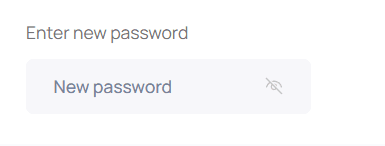
Password Recovery
The system provides two methods of authentication (login):
- Via email and password
- Via Bitrix24 (deprecated)
Different tenants may have one or both systems enabled. In these systems, the password recovery process differs significantly.
Access Recovery When Logging in via Bitrix24
In this case, the user logs in through Bitrix24 and will lose access to the portal only if they lose access to Bitrix24. If this happens, it is necessary to contact the support service of that system.
Portal Password Recovery
When logging into the portal, the user must click the "Forgot password?" button.
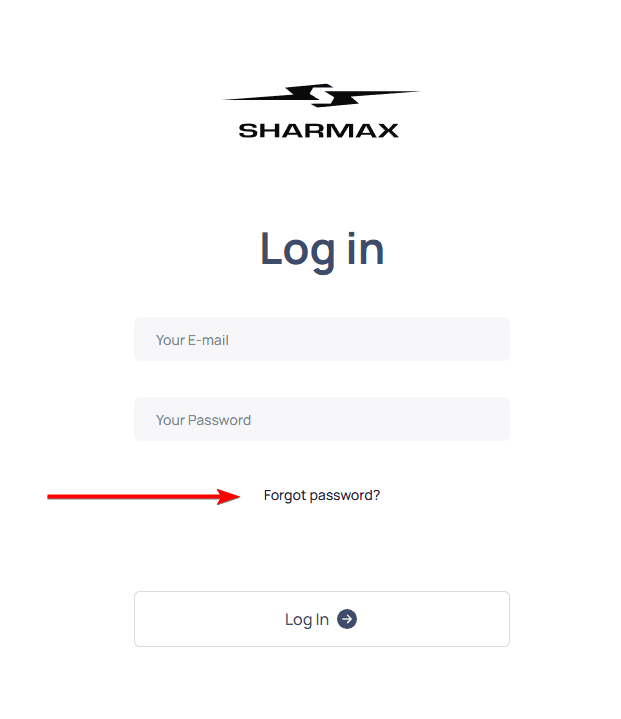
Then, specify the email used for login.
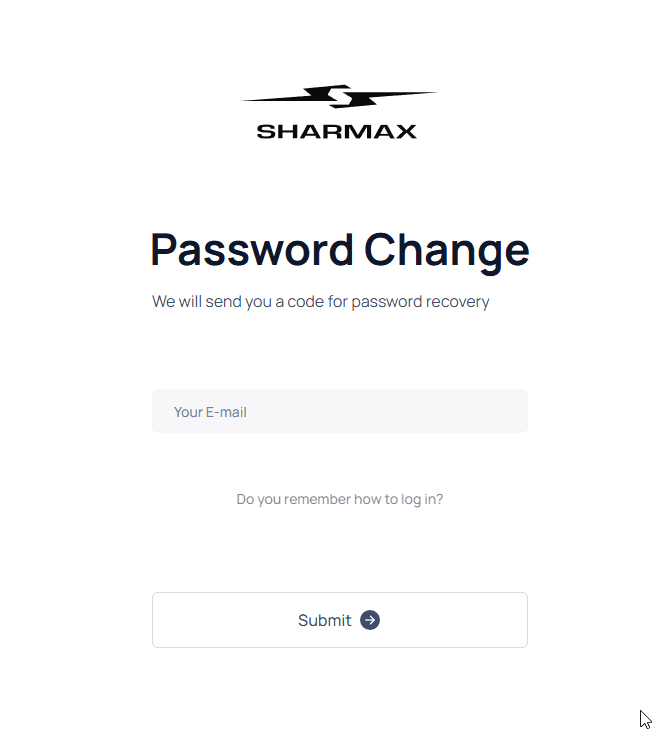
If the email exists and the account has access to the tenant, an email will be sent.
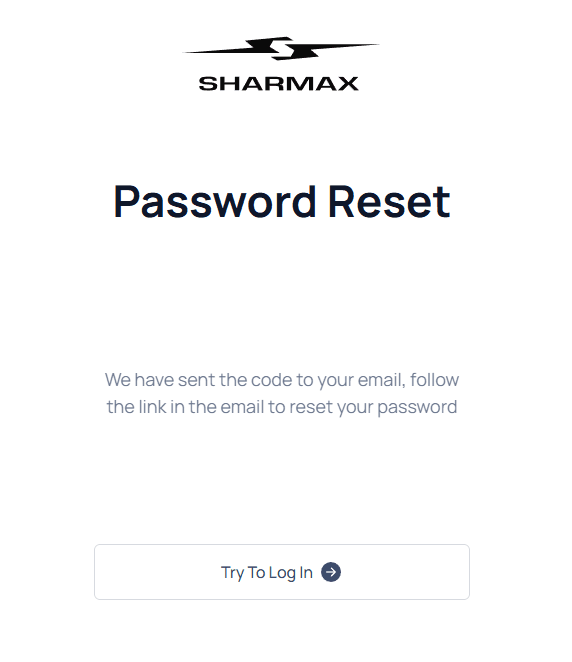
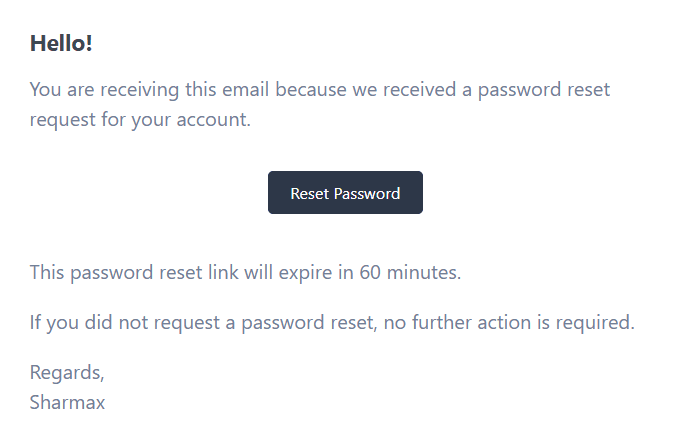
The email contains a link that must be followed to reset the password. The link will be valid for 60 minutes.
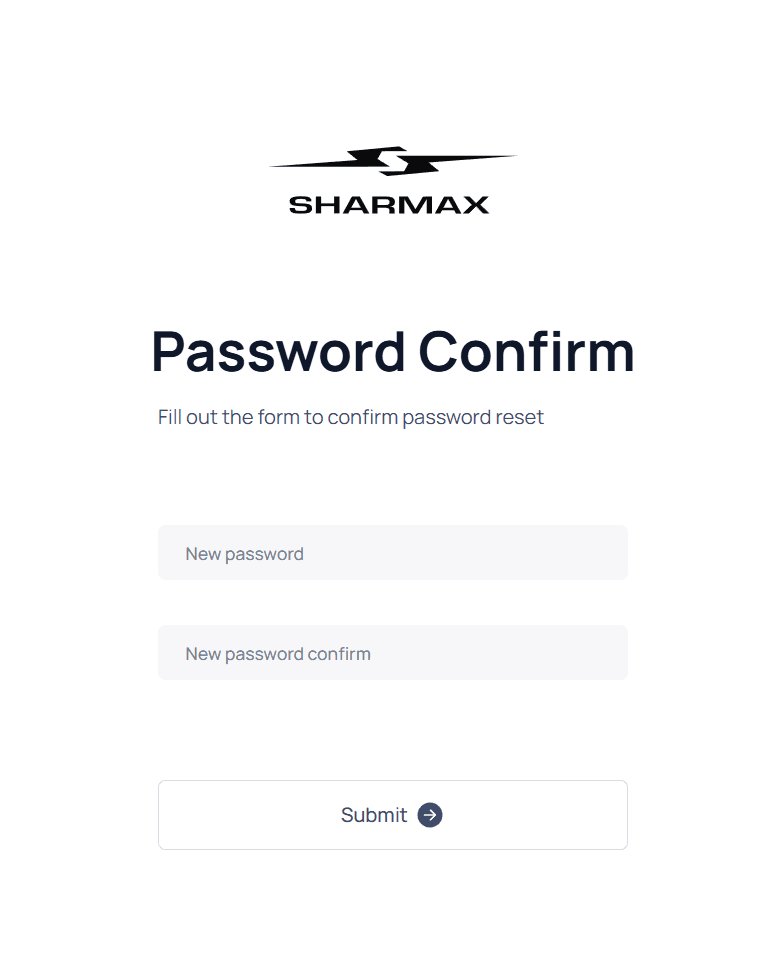
Upon following the link, a form will appear where the password must be entered twice. The password will then be updated, and the user can log into the account with the new password.
Password Reset by Administrator
An administrator with access to edit users can change a user's password to any other through the editing form: