Tenant Configuration
Technical tenant settings are configured in the administration panel. For a general overview of tenants and user instructions, see Tenants.
Integrations
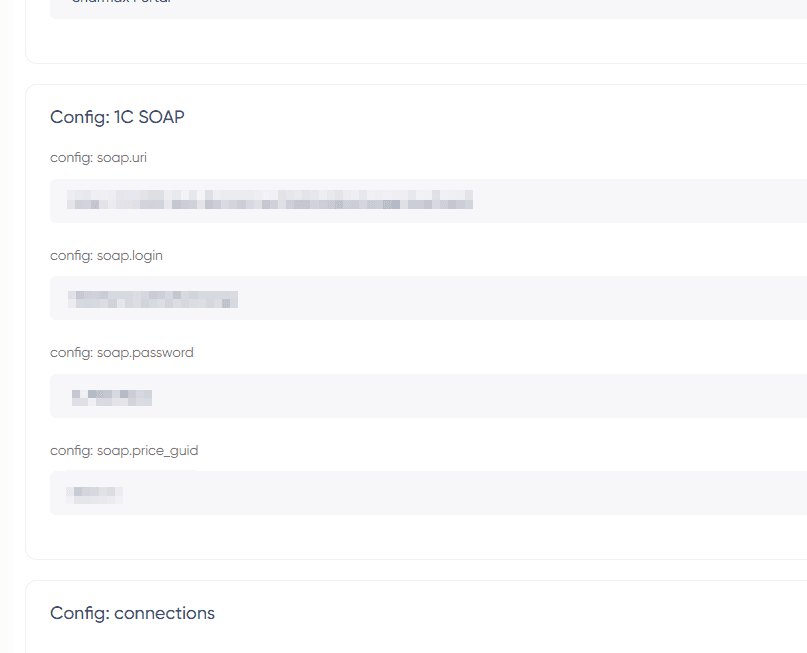
Each tenant can have its own integrations configured in the admin panel:
- Directly with 1C
- With an external 1C database
- With an external CRM database
- Directly with CRM
- With the RoundCube email service
Tenant settings allow for detailed configuration of the user creation process (workflow) to support different integrations on the portals (creating email, account in Bitrix24).
Domains
Multiple domains can be associated with a single tenant. To connect a domain:
- Add the domain to the server.
- Assign the domain to the tenant in the admin panel.
After assignment, the portal will be available on that domain immediately.
Interface and content
In the admin panel, you can configure per tenant:
- Primary color (buttons, links, and interface accents)
- Default language, country, and currency
- Menu items (visibility and custom entries)
- Homepage blocks (visibility)
Parent tenant
A parent tenant links a child tenant to another tenant whose data can be reused. Configure the parent tenant in the admin panel when a franchisee portal needs to pull data (for example, from 1C) from an existing tenant.
Example of use: Order System, Invoice Approval System.